
Preview Course
You can preview all of your booked courses in all of their respective booked languages directly within LMS+.
Your advantage: This allows you to review content, languages, and any customizations without having to create a dedicated training cycle beforehand and assign yourself or other testers or auditors within LMS+.
- To do this, go to the Courses section and open the main overview All courses.
- Click on the tile of the course you want to play.
- On the overview page of this training, you will find the Play course button in the top right corner.

This will take you to the language selection for the course:
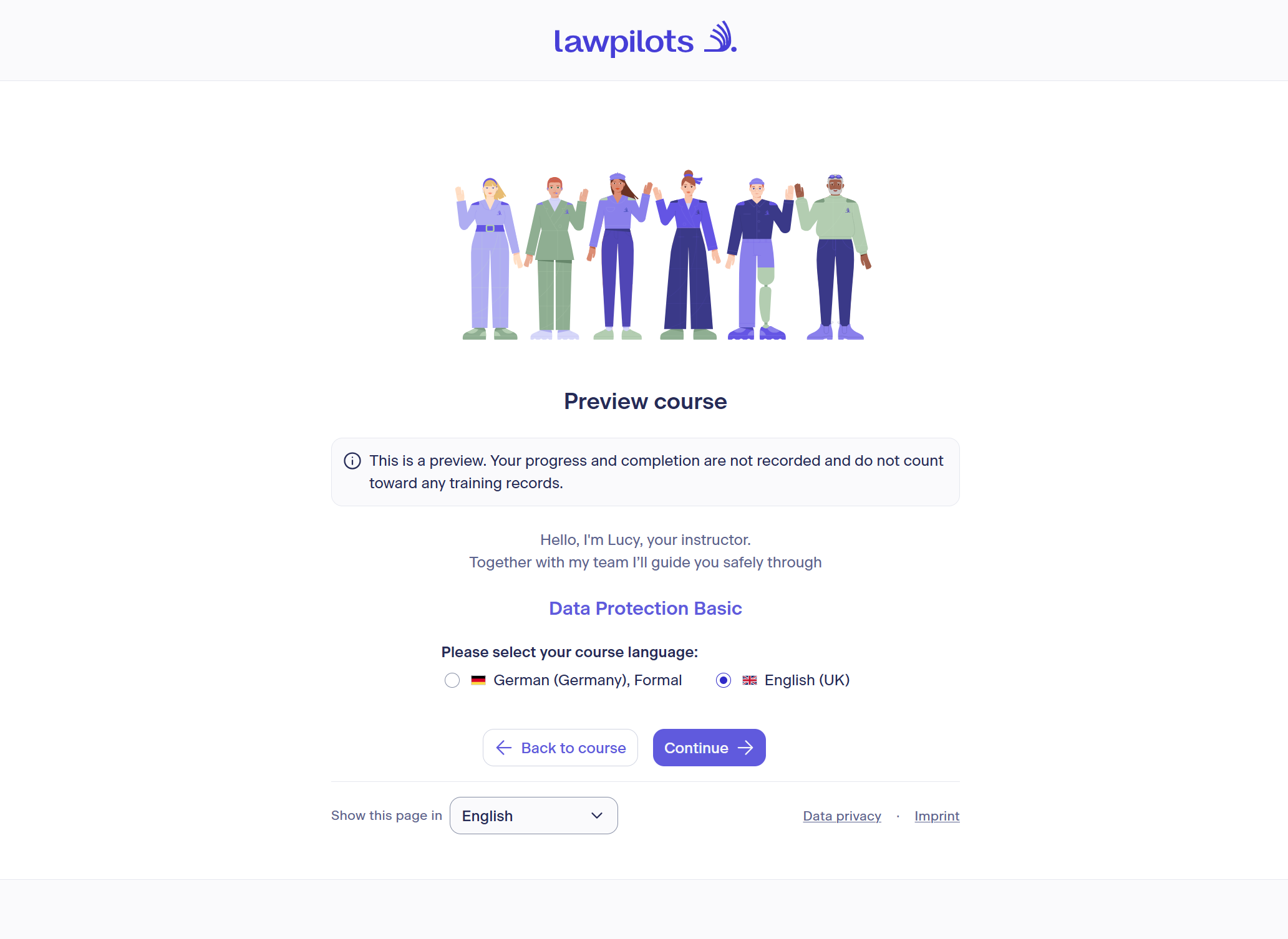
Once you have selected a language, click Continue and the training will start.
Good to know:
- Only courses in the languages that have been booked in your training package and are active can be played.
- The training shown reflects the exact same training 1:1 as seen by your learners.
- This is a preview only – no completions are recorded and no certificates are issued.
- A cycle does not need to exist in order to play a course.
- Playback only works within LMS+; no test link is generated for sharing.
- Progress is only saved as long as the training remains open. Once closed, it must be restarted from the beginning.
- Course versions that are displayed but not yet available (e.g., due to pending translation) cannot be launched.