
My learner account in LMS+
Learners can log in directly to LMS+ at any time via https://lawpilots.net/. In your personal learner account, you will find the following information and views:
In the top right corner, you will see your name. In addition to the logout option, you can select the language for your learner account. Currently, you can choose between German and English.
Important to know: The language selection here also controls the default language in which system enrollment and reminder emails for your training courses are sent to you. For example, if you set German here, you will receive all system emails in German. Content created by your learning administrator is not affected by this setting and will always appear as specified by your administrator.
This setting does NOT affect the language selection for your training courses—you select the course language each time you start a course.
My courses
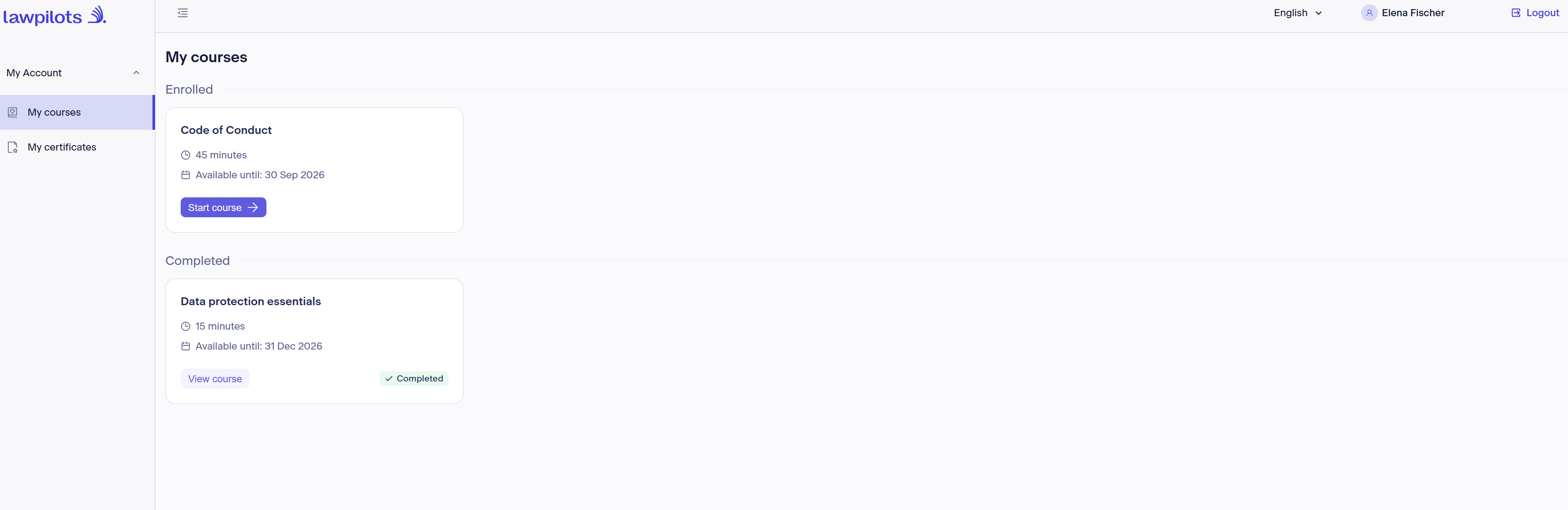
In this section, you will see all the training courses for which you are currently enrolled and required to complete according to your learning administration's guidelines.
The tiles display the title/topic of the training, the average duration, and the availability period. You should complete your training by this date at the latest. After this date, the course will no longer be available to you, and your learning administration may need to enroll you in a new course.
Click the "Start course" button to begin the course. First, you will select the language in which you want the training to be displayed. The available language options depend on the language packages booked by your organization. If a language is missing, please contact your learning administrator.
You can also resume paused training courses at any time. Your progress is saved in the system so you can pick up right where you left off. Please note, however, that for technical reasons, your progress is only saved for 7 days. After that, you will have to restart the course from the beginning.
Training courses you have already completed can always be found under "Completed." As long as the course remains available, you can re-watch or review the content at any time.
My certificates
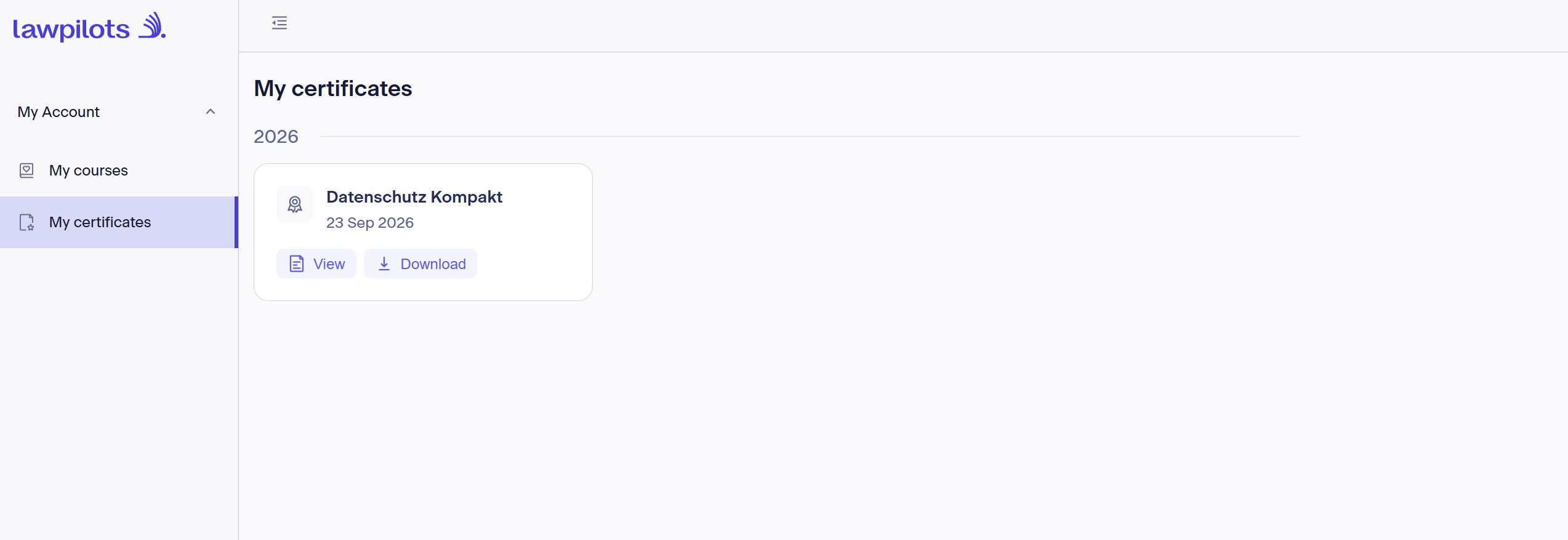
After successfully completing a training course, you will find your certificates in this section.
You can view and download them there at any time.
Certificates are always displayed by the calendar year of completion, allowing you to easily see when you last completed a recurring training course.
Please note that it may take some time after successful completion for the certificate to become available in LMS+. If a certificate is not immediately available, please log in again at a later time to view or download it.
Important: The administration of the training courses you are enrolled in, due dates, potential recurring cycles, etc., is the responsibility of your organization's learning administration. lawpilots only provides the content and the technical platform and has no insight into your organization's internal planning. If you have any questions, please contact your learning administrator directly.